
Mobile
HyperSeed on your phone
Star the apps you want to back and back them from your phone with Phantom, Solflare or Backpack. Android gets a signed APK, iPhone adds HyperSeed to its Home Screen from Safari. Install it only from www.hyperseed.app.
Android app
A native app that opens HyperSeed full screen. Connect wallet opens Phantom, Solflare or Backpack on the phone through Solana Mobile Wallet Adapter: you approve and sign in the wallet app, and come straight back.
Download the APK- 1Tap Download the APK. Chrome may warn about this kind of file: tap Download anyway.
- 2Open the file. If Android asks, allow your browser to install apps, then tap Install.
- 3Open HyperSeed, star the apps you like, and tap Connect wallet in a raise to back it.
Check the file before you install it
- Package
- app.hyperseed.mobile
- Version
- 1.0.0 (build 1)
- File SHA-256
- 657869cfd7aaa7d0be880993275079e26bbf5472431777939590918b06b26993
- Signing certificate SHA-256
- 5a0e42d06e73a3c7bde9b8212e21677107f2fe5b427a460117c4b7ebeccbd9aa
On a computer: shasum -a 256 hyperseed-1.0.0.apk must print the file SHA-256 above. New versions are signed with the same certificate and install over the old one.
iPhone app
Added from Safari, HyperSeed sits on your Home Screen and opens full screen on your favorites.
- 1Open www.hyperseed.app in Safari.
- 2Tap Share, then Add to Home Screen. On recent iOS, Share sits under the ••• button.
- 3Open HyperSeed from the Home Screen and star the apps you want to back.
To back or claim, HyperSeed opens inside Phantom's or Solflare's browser: iOS sends a wallet's answer to Safari, never to a Home Screen app, so signing happens there and your favorites come along in the link. In Safari itself, Connect wallet sends you to the Phantom or Solflare app and back.
On a computer? Scan this with your phone's camera to open this page there.
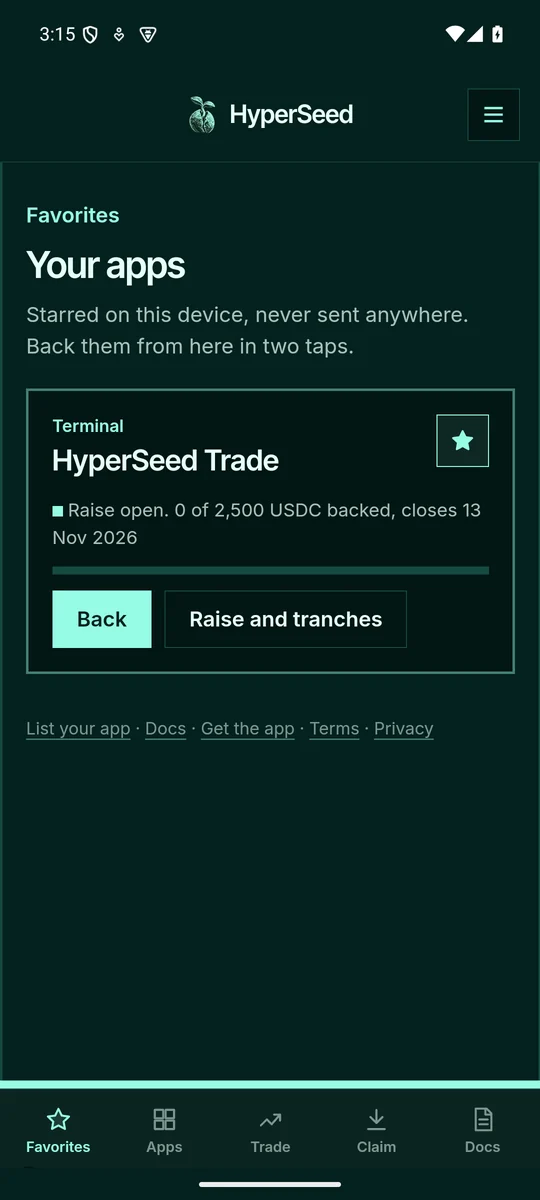
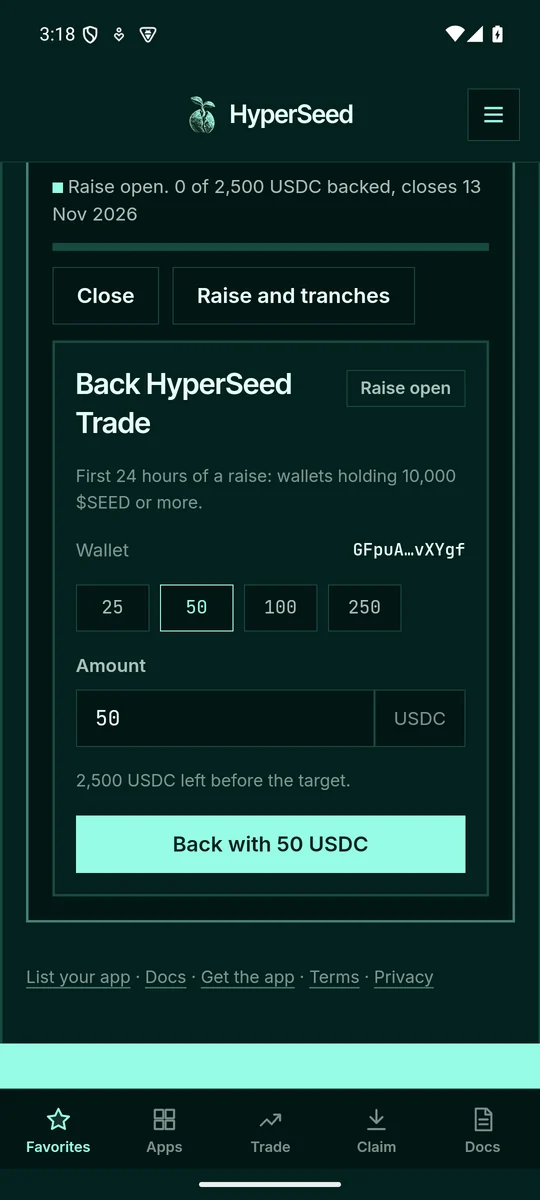
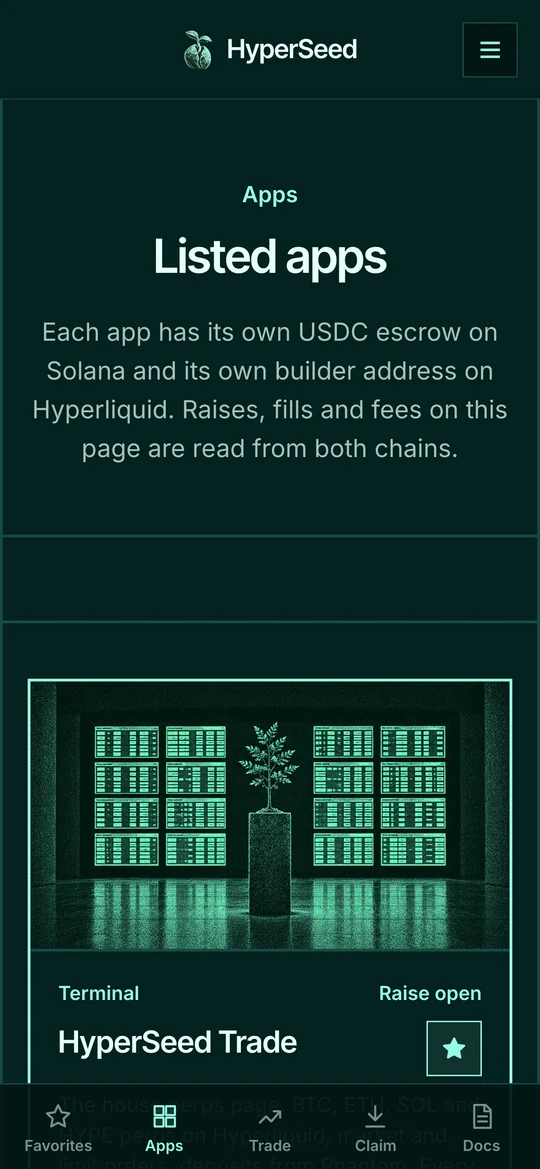
The app holds no key and no funds: your wallet app signs every backing and every claim, and HyperSeed only builds the transaction. Your favorites stay on the phone. Read HyperSeed on your phone for what each path does.